Hot Tub “Service Required” Fix
Match the guest’s requested temperature and pressure on the control panel, then press Start.
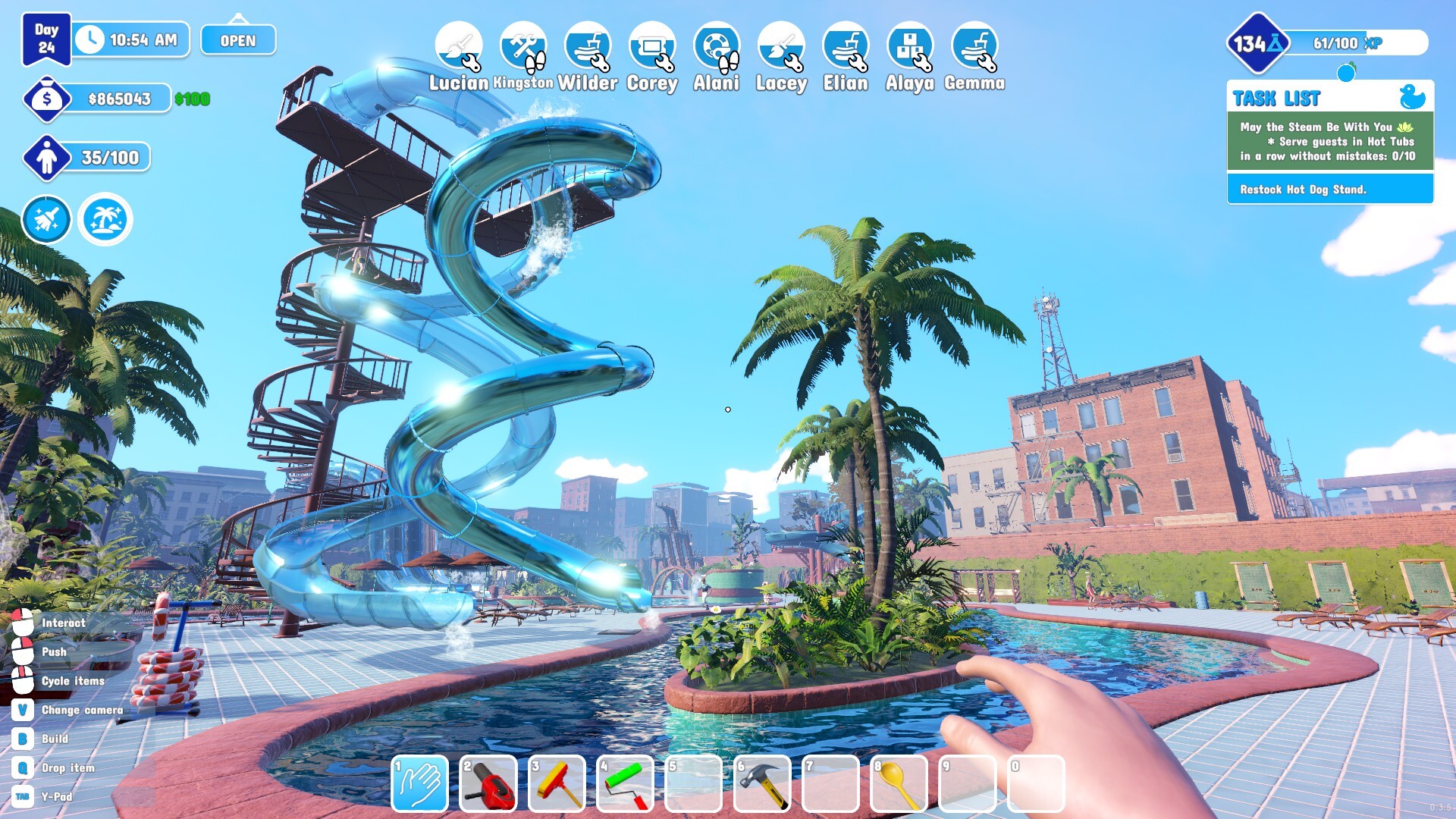
“Service Required” is a guest service request, not a damage warning. Read the requested Temperature and Pressure, enter those values on the hot-tub control panel and press Start. Hitting the tub with a hammer will not complete this request.
What to do
Stand at the panel, handle one guest at a time, double-check both settings and start the cycle. Do not mix this up with dirty water or chlorine. If a request remains after the guest has gone, moving and replacing the hot tub is a community workaround, not an official fix.
What the sources support
Two current guides agree that temperature and pressure are the required inputs and that the hammer is irrelevant. A separate source says trained maintenance staff can automate the job after Facility Training, but that automation path is not independently confirmed.
Version notes and limits
The claimed Luxury Pools unlock price and research cost come from one source. Check your current research tree rather than treating them as fixed.
This article uses the supplied research as its factual boundary. Patch-sensitive details are dated or marked as unconfirmed.
Waterpark Simulator
Match the guest’s requested temperature and pressure on the control panel, then press Start.